
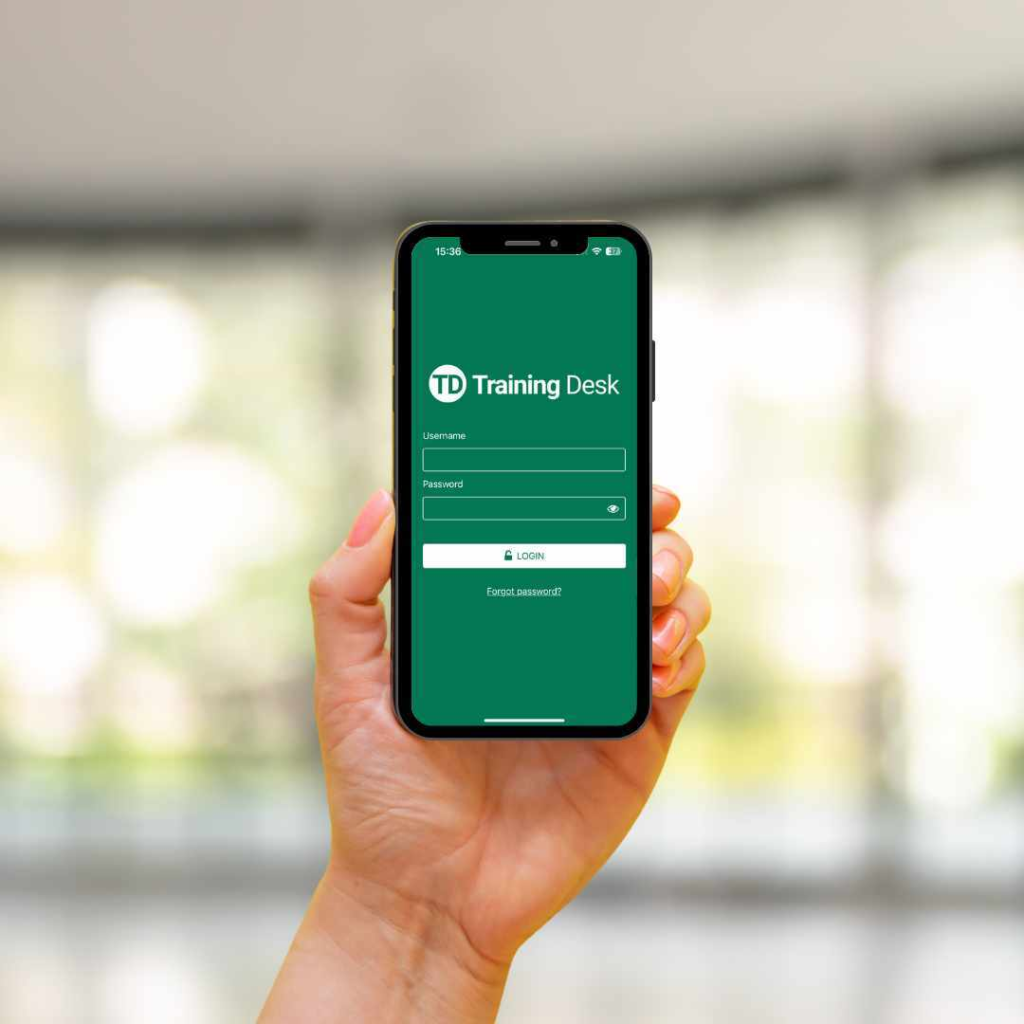
There’s now a smarter way to stay on top of your training.
We’re excited to introduce the Training Desk App, now available in the Apple App Store and Google Play Store!
This easy-to-use app is designed just for students, giving you a mobile-friendly, flexible way to manage your training anytime, anywhere.
What You Can Do with the Training Desk App:
- Stay organised
View upcoming sessions, confirm enrolment details, and check venue info and requirements. - Complete your online learning
Easily finish pre-course work and complete 100% online courses from your phone. - Sign in quickly
Sign in to your course using location services – no QR codes or paperwork required. - Access digital in-class assessments
Complete trainer-released assessments in a mobile-friendly format. - Download certificates and track competencies
View and download certificates as soon as they’re available and keep track of expiry dates. - Stay signed in
No more password hassles – just log in once and you’re ready for the next session. - Submit support requests
Need help? Reach out to your training provider directly through the app. - Leave a review
Quickly complete the post-course student survey or leave a Google review.
This is not a “first aid app” it’s a training companion that fits seamlessly into your day, so you’re always ready and organised.
How to Get Started
Search “Training Desk App” in the Apple App Store or Google Play Store and download it for free.